Transfer everything from old computer to new computer with Windows 11
Transfer programs and files to new computer
Transfer files from one computer to another
Research data: Windows and migration statistics
Transfer Microsoft Office to new computer
Restore programs and files from a broken or dead computer
Transfer directly from an old hard drive
Transfer to new computer using a USB hard drive
Corporate Windows 11 migration
User Profile Migration to new PC / new domain
How To Migrate Local Profiles to Azure AD
Migration to Server 2019 / 2016
Transfer everything from old computer to new computer with Windows 11
Transfer programs and files to new computer
Transfer files from one computer to another
Research data: Windows and migration statistics
Transfer Microsoft Office to new computer
Restore programs and files from a broken or dead computer
Transfer directly from an old hard drive
Transfer to new computer using a USB hard drive
Corporate Windows 11 migration
User Profile Migration to new PC / new domain
How To Migrate Local Profiles to Azure AD
Migration to Server 2019 / 2016
Transfer programs and files to new computer
Transfer files from one computer to another
Transfer Microsoft Office to new computer
Restore programs and files from a broken or dead computer
Transfer directly from an old hard drive
Transfer to new computer using a USB hard drive
Move To New PC - Compare Options
Migration Kit Pro - Advanced Transfer
Transfer programs and files to new computer
Transfer files from one computer to another
Transfer Microsoft Office to new computer
Restore programs and files from a broken or dead computer
Transfer directly from an old hard drive
Transfer to new computer using a USB hard drive

Updated February 2026 · 2 minute read
How to transfer Chrome to new computer with Windows 11 or Windows 10, 8 or 7
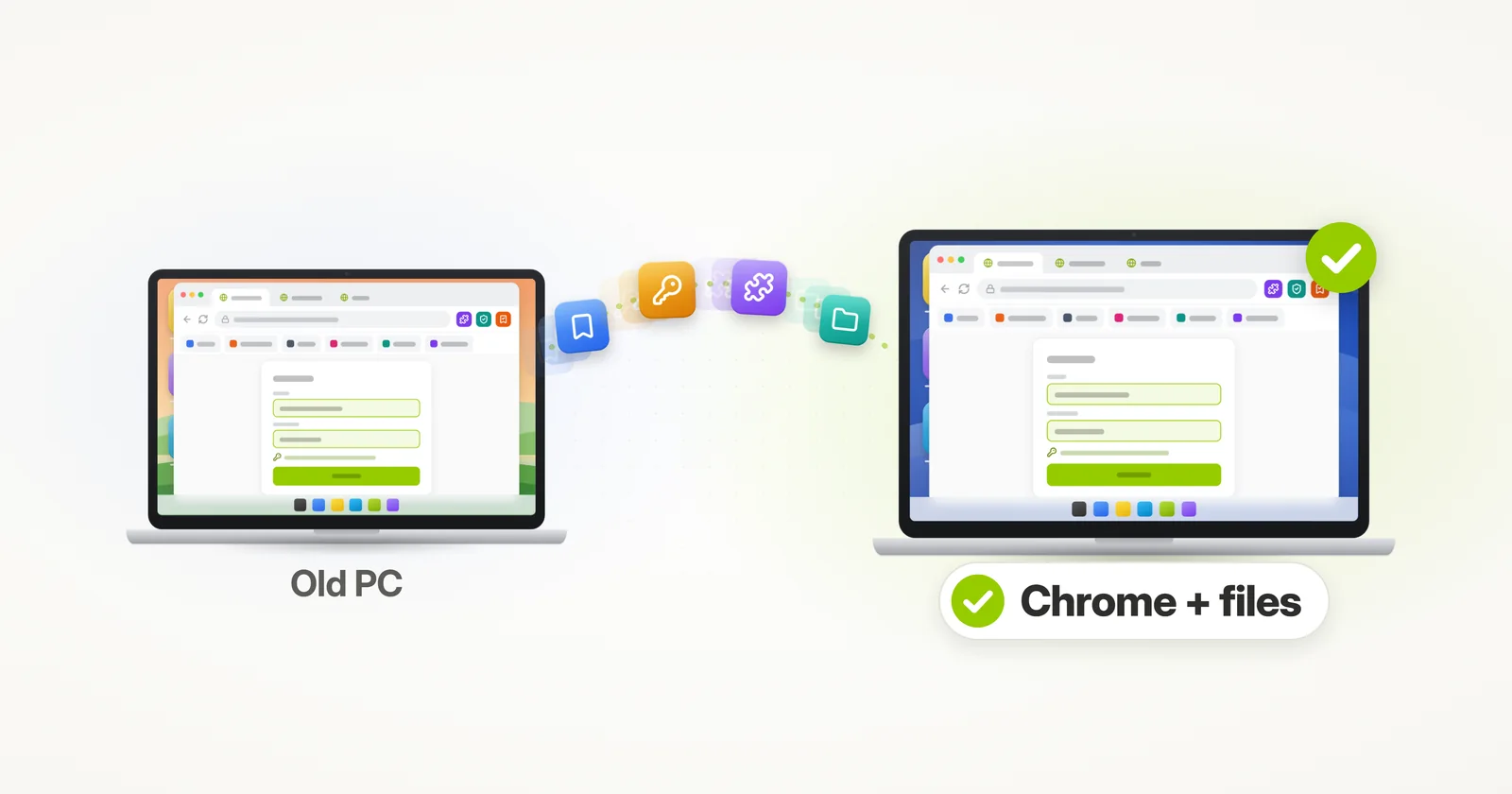
In this article, we’ll see how to transfer Google Chrome from one computer to another, along with all of your files. The transfer includes not just the Chrome software itself, but also your favorites, bookmarks, stored passwords, history, extensions and all of your Chrome data – and your files come across with it.
In this tutorial, we’ll learn how to transfer Chrome completely automatically – using Zinstall, and copy Google Chrome, its bookmarks, saved passwords, history and extensions, together with all of your files, from the old laptop or desktop to the new one. This tutorial works for XP, Vista, Windows 7, Windows 8/8.1 and Windows 11 or Windows 10. Yes, this does mean that you can transfer Chrome even from XP to Windows 11!
How to transfer Google Chrome from one computer to another
- Download Zinstall on both computers.
Note: You can get Zinstall here. - Run Zinstall on the old computer.
- Run Zinstall on the new computer.
- You don’t need to do any configurations for the computers to connect – it’s automatic.
- If the computers are already connect to same router, same Internet connection, or same wireless connection, you don’t need anything else.
- If the computers are not connected at all, connect them with a network / Ethernet cable.
- If you’d like to select which files you want to transfer, press the Advanced menu. If you just want to transfer everything, you don’t need to go to the Advanced menu. Chrome will be transferred automatically.
- Press “Go” on the new computer to start the transfer
- The transfer will take a while (depending on how much data you have to transfer), and report to you when done.
That’s it! You now have Chrome, with all of your data and files, on your new computer.
Ready to transfer your Chrome and files? Get Zinstall here.Video tutorial – how to transfer Chrome to a new computer
Related Guides
guarantee Buy now